Apple Watch users may occasionally encounter a situation where the touch screen becomes unresponsive. In such cases, the device may appear "frozen," making it impossible to navigate menus or power off the device normally. This guide provides a simple method to "revive" the watch without needing to interact with the screen. By using a specific hardware reset combination, users can force the device to restart. This process effectively clears temporary software glitches causing the freeze. It serves as a quick troubleshooting step before seeking professional repair. The method ensures the device returns to normal functionality quickly and efficiently.
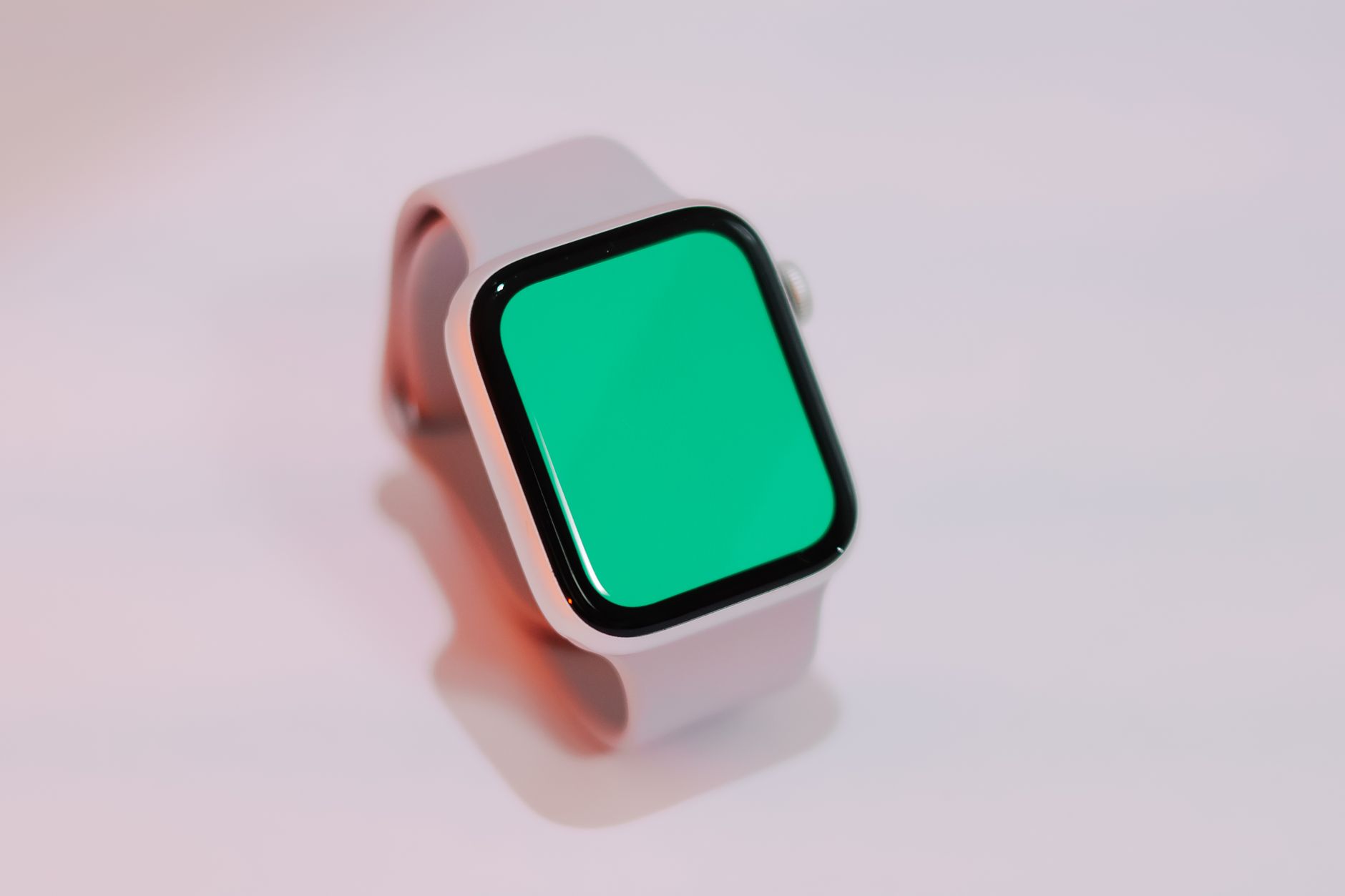
How to Fix a Frozen Apple Watch Screen Without Using Touch
 Vietnam
Thanh Nien
June 15, 2026 at 07:06
Vietnam
Thanh Nien
June 15, 2026 at 07:06
🌐 This article was automatically translated from the original in Vietnamese.